
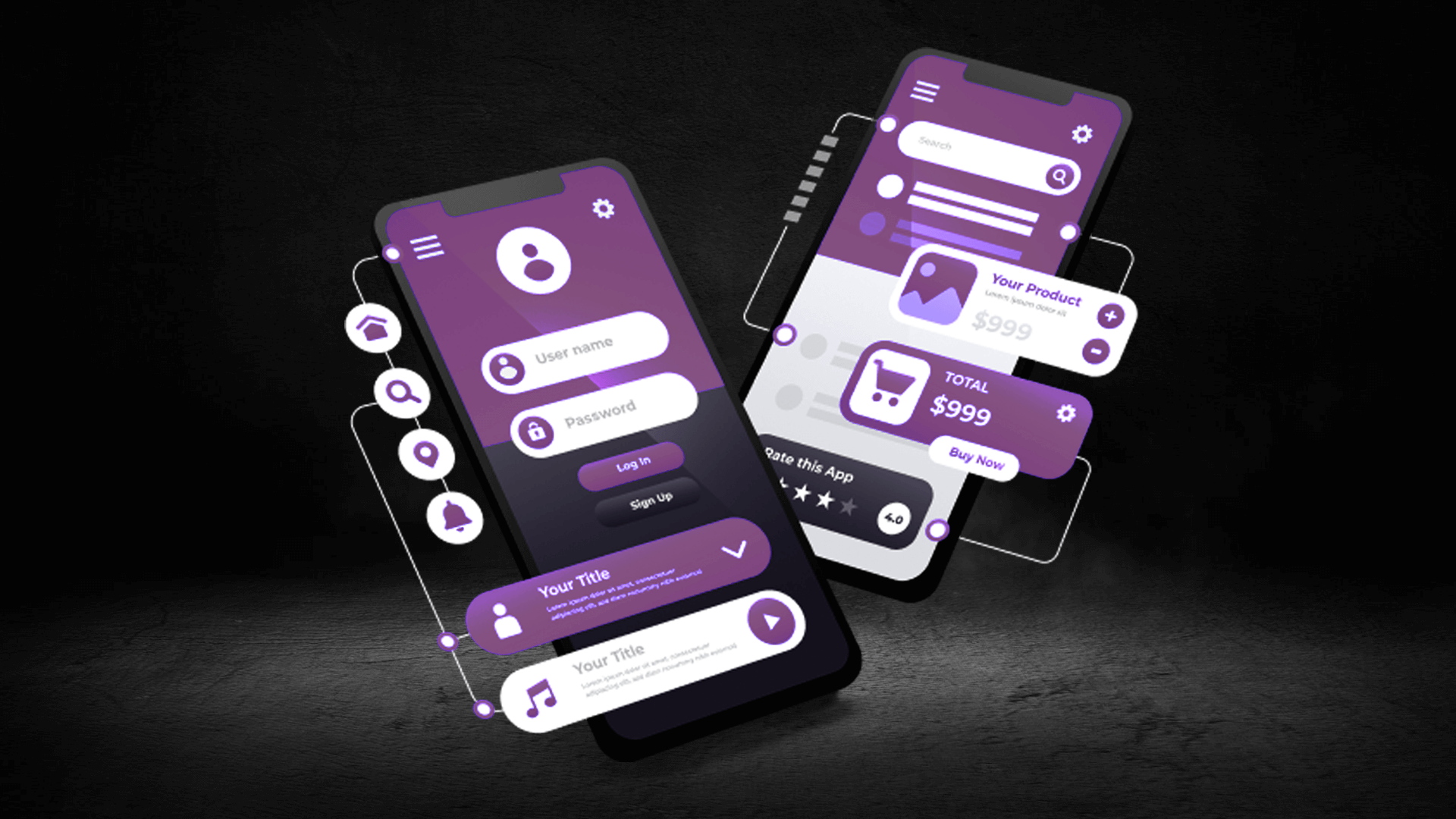
Mobile App Design: Key Principles for iOS, Android & Hybrid Apps
Designing a mobile app is about much more than just making it look good—it’s about creating an experience that feels natural, intuitive, and consistent across devices and platforms. Whether you’re building for iOS, Android, or a hybrid framework, great mobile app design balances functionality, usability, and visual appeal. In today’s competitive digital ecosystem, users expect apps to be fast, responsive, and effortless to use. Delivering that requires a deep understanding of design principles, platform guidelines, and user psychology.
Understanding Platform Design Philosophies
iOS and Android may share the same purpose—delivering seamless mobile experiences—but they follow distinct design philosophies. Apple’s design language, guided by Human Interface Guidelines (HIG), emphasizes clarity, depth, and minimalism. It focuses on clean layouts, intuitive gestures, and fluid animations that enhance the sense of continuity and control. Google’s Material Design, on the other hand, is built around motion, hierarchy, and bold, vibrant visuals. It uses layering, shadows, and responsive movement to create a sense of structure and realism.
Understanding these principles is key to designing apps that feel “native” on each platform. For iOS, consistency and smoothness are vital—users expect apps to feel premium and responsive. On Android, flexibility and adaptability matter more—users appreciate customization, accessibility, and visual richness. Hybrid app design should find a balance between both ecosystems, ensuring familiarity while maintaining cross-platform consistency.
Principle 1: Prioritize Usability Over Aesthetics
Beautiful design means nothing if the app is confusing or difficult to use. Usability is the foundation of effective mobile design. Every interaction, from button placement to gesture response, should feel natural and predictable. A great app guides users effortlessly through each step—without the need for explanation. This is achieved through clear navigation, readable typography, and a logical flow of actions.
For example, iOS apps typically use bottom tab bars for navigation, while Android apps rely on the navigation drawer or bottom navigation bar. These conventions exist for a reason—they match user expectations and platform norms. Ignoring them can create frustration, even if your app looks stunning. The best designs blend familiarity with innovation, introducing new ideas without disrupting comfort and usability.
Principle 2: Optimize for Performance and Responsiveness
A laggy or unresponsive interface can ruin even the most beautiful design. Mobile users are impatient—they expect instant feedback. That means smooth transitions, minimal load times, and responsive touch interactions. Every animation should have a purpose, not just visual flair. Subtle motion, when used correctly, helps users understand changes in state—like confirming an action or transitioning between views.
Hybrid apps in particular must be optimized for performance, as they often rely on web technologies wrapped in native shells. Frameworks like Flutter and React Native can achieve near-native performance, but only if the design and development teams collaborate closely to maintain efficiency. Reducing image sizes, optimizing code, and simplifying layout hierarchies all contribute to smoother performance and longer user engagement.
Principle 3: Maintain Visual Consistency
Consistency builds familiarity, and familiarity builds trust. From color schemes and typography to iconography and spacing, every visual element should follow a unified style. This doesn’t mean every screen has to look identical, but users should always feel they’re within the same app. Establish a design system or component library early in the process—this ensures scalability and cohesion across new features.
Both iOS and Android provide ready-made design systems (SF Symbols, Material Components) that align with platform conventions. Using these not only speeds up development but also ensures that your app looks and behaves as users expect. For hybrid apps, design systems become even more critical—they help maintain visual balance across platforms with different UI standards.
Principle 4: Design for Accessibility
Inclusive design isn’t optional—it’s essential. A truly successful mobile app can be used comfortably by everyone, regardless of ability. Accessibility considerations include contrast ratios, text scaling, voice control compatibility, and touch target sizes. Apple and Google both provide accessibility frameworks that allow designers to test and optimize experiences for users with visual or motor impairments.
Small changes—like using readable font sizes, sufficient color contrast, and descriptive labels for screen readers—can make a massive difference. Not only does this improve usability for all users, but it also helps businesses comply with accessibility standards and expand their audience reach.
Principle 5: Simplify Navigation and Interaction
One of the biggest mistakes in mobile design is cluttered interfaces. Mobile screens have limited space, so prioritize clarity over quantity. Use progressive disclosure—show users only what’s necessary and reveal more as they engage deeper. Keep navigation clear and consistent across screens. Buttons, icons, and gestures should perform predictable actions to avoid confusion.
Gestures are now a fundamental part of mobile design, but they should enhance—not replace—core navigation. Avoid hiding critical actions behind non-obvious gestures. Every swipe, tap, or pinch should feel intentional and provide feedback. Remember: good interaction design doesn’t require a manual—it’s understood intuitively.
Principle 6: Personalization and Micro-Interactions
Modern mobile users expect personalized, human-centered experiences. Micro-interactions—small, purposeful animations—help create emotional engagement. Examples include a heart icon animating when liked, a progress bar filling smoothly, or subtle haptic feedback when completing a task. These details may seem minor, but they significantly improve satisfaction and retention.
Personalization also goes beyond visuals. Adaptive layouts, customized onboarding, and contextual suggestions can make users feel valued and understood. Machine learning can further enhance personalization, recommending relevant content, optimizing layouts, or anticipating user behavior. The result is an app that feels intelligent and uniquely tailored.
Principle 7: Adaptability Across Devices and Platforms
Mobile design doesn’t end at smartphones. Apps must adapt gracefully to tablets, foldable devices, and even wearables. Responsive design and scalable UI components ensure that layouts remain functional and aesthetically pleasing across varying screen sizes and resolutions. Hybrid apps especially benefit from flexible grid systems and adaptive breakpoints that preserve usability no matter the device.
Testing is critical—designers must evaluate how their layouts perform on multiple devices and operating systems. What looks balanced on an iPhone 15 may feel cramped on a budget Android device. Real-world testing and iterative improvement are key to creating experiences that feel universally natural.
The Future of Mobile Design
As AI, AR, and voice interfaces continue to evolve, mobile design is expanding beyond the screen. Future apps will rely more on natural language interaction, contextual awareness, and immersive environments. Designers will need to think in terms of multi-sensory experiences—where visuals, sound, and motion come together to create emotional connections. Hybrid frameworks will continue to bridge the gap between platforms, making it easier to deliver consistent yet adaptive designs worldwide.
In essence, great mobile app design is about balance—between beauty and usability, innovation and familiarity, creativity and clarity. Whether you’re designing for iOS, Android, or a hybrid platform, success comes from understanding users deeply, respecting platform principles, and crafting an experience that feels both effortless and unforgettable. A well-designed app doesn’t just work—it delights, engages, and earns a permanent place on the user’s device.